Answer the balance inquiry
Staff open the account’s payment history and receipt details when someone calls or visits. The remaining balance stays linked to its case, account, or application.
See the account tools
GovPayPlan is a government payment solution for courts and agencies. Staff manage collections and installments. Finance reconciles deposits and applies distribution policies across funds and recipients.
Explore a sample payment portal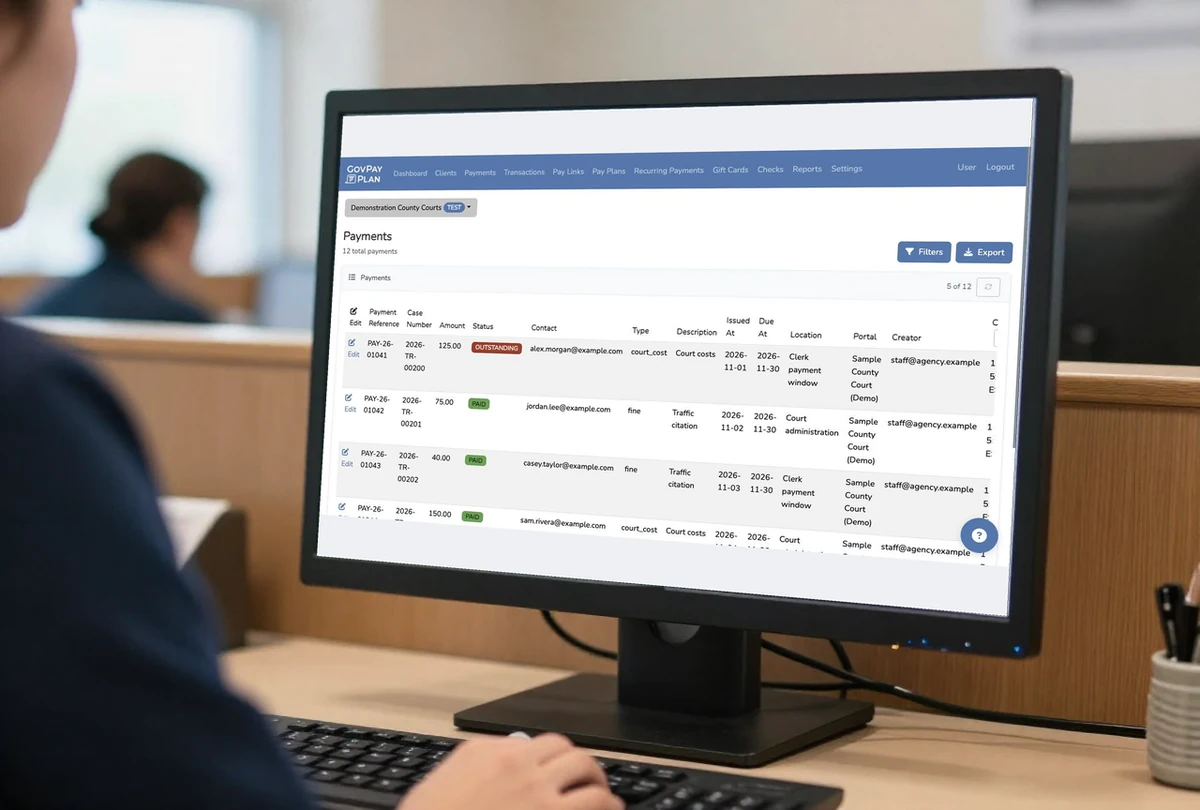
See the payment work your office handles.
Link collections and payment arrangements to the case or citation.
Explore the workflowTrack supervision-fee balances and installments in the office and field.
Explore the workflowReview collections across departments and maintain separate agency accounts.
Explore the workflowConnect bill payments and AutoPay to your utility’s account records.
Explore the workflowTrace tax payments through settlement and fund allocation.
Explore the workflowMatch each fee to its application, license, or recording reference.
Explore the workflowApply your agency’s distribution policy to eligible payments. Finance can review the calculation before activation, then prepare recipient reports and journal entries from a sealed batch.
Finance configures recipients, calculation order, transaction scope, and schedules.
Staff simulate allocations, inspect a dry run, and complete the policy sign-off.
Finance follows the allocation trace and exports recipient reports and journal entries.
Distributions calculates allocations and produces reports. It does not currently transfer funds between bank accounts.
Staff open the account’s payment history and receipt details when someone calls or visits. The remaining balance stays linked to its case, account, or application.
See the account toolsStaff see the arrangement, due dates, and remaining balance together. Scheduled text and email reminders link directly to the next payment.
See payment arrangementsFinance matches the deposit to its settlement statement and underlying transactions. Staff export the records needed for posting and audit review.
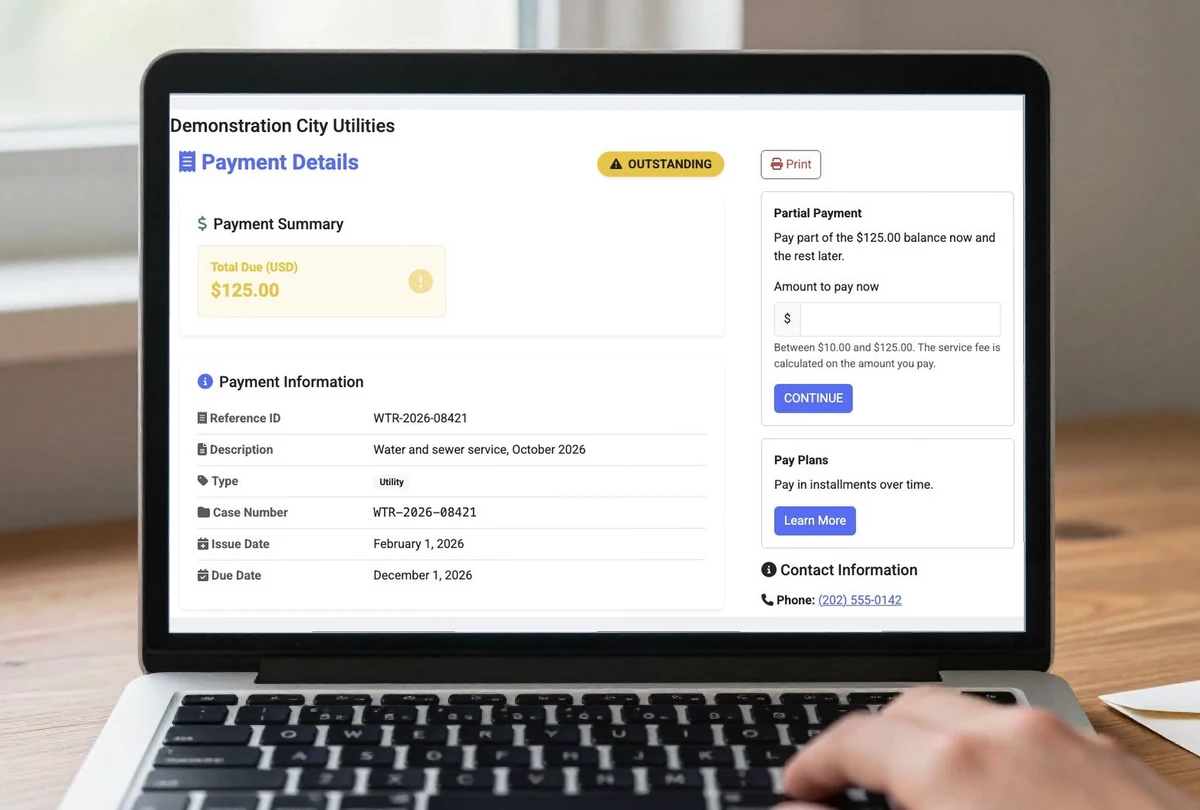
See reconciliation toolsPublish an agency-branded portal with bill details, payment options, and fee disclosure. Configure the experience for the payment types your office handles.
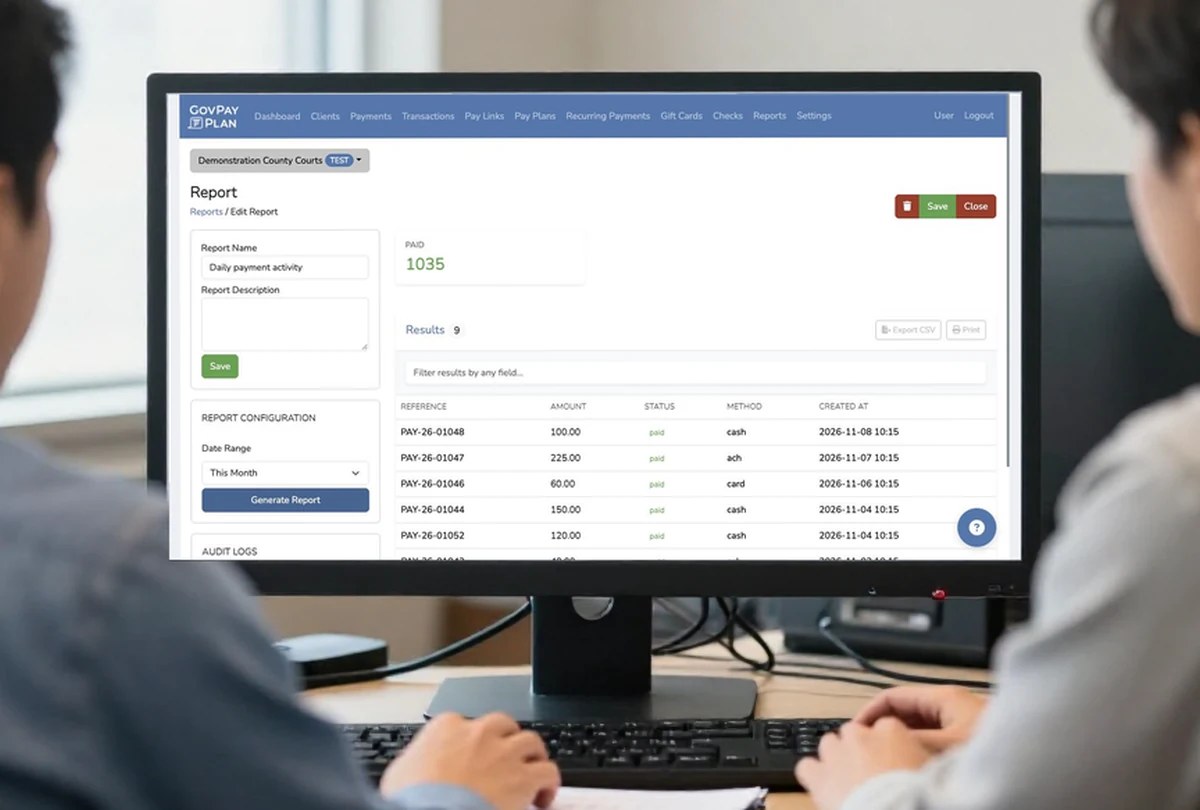
Review payment activity by department, method, and date. Settlement statements and exports support the records your finance team needs to reconcile and post.
Staff see the case or account reference, amount, method, and receipt.
Finance matches the bank deposit to the transactions on its settlement statement.
Finance exports payment records and fund allocations for the general ledger.
Staff should be able to find a payment regardless of where it was collected.
Use your payment types and reporting requirements to decide whether GovPayPlan fits your office.
Configure a test portal, invite staff, and run simulated payments. Review the workflow together before handling live funds.
Request an agency test accountImport balances and export reports by CSV on every plan. Enterprise plans add API, webhook, and SFTP options. Confirm support for your system during evaluation.
Review integration optionsOnboarding includes live training and written guides. Your IT and purchasing teams can request security, accessibility, and procurement materials.
Prepare your agency reviewCard processing runs on PCI DSS Level 1 certified infrastructure. Tokenization and encrypted terminals keep full card numbers out of agency records. Review the security controls.
Explore the complete agency capability directory, including check printing, gift cards, and QR-coded print materials.
GovPayPlan handles collection, payment arrangements, payment records, and settlement reporting. Your case management, billing, or finance system can remain in place. Staff can exchange balances and payment records by CSV on every plan; automated exchange requires a confirmed Enterprise integration. During evaluation, identify which system owns each balance and which records must return to it.
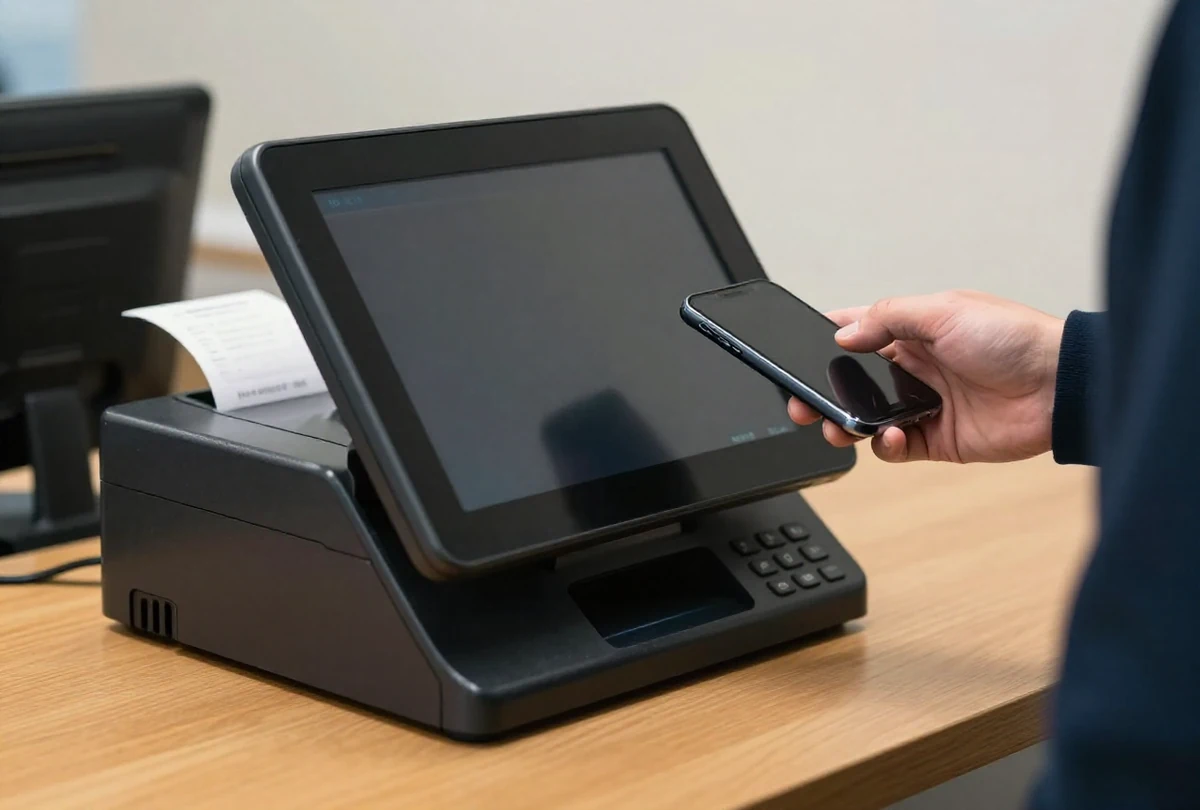
Staff use GovPayPlan to review payment records, manage arrangements, collect at terminals, record cash and checks, and prepare settlement reports. Your agency still owns its accounting and banking procedures. Map imports, posting, permissions, and public payment links against your current process before choosing a launch date.
Use the settlement statement and its underlying transactions, refunds, and adjustments. Compare the total to the ACH deposit and export records for posting. Review reports by department, method, and date. Reconcile agency-deposited cash and checks separately rather than expecting every collected payment in the electronic payout.
Test a typical payment, an installment arrangement, an offline collection, and the reports finance needs for reconciliation. Include an exception your staff handle today, such as an incorrect reference. Test-account payments are simulated: no money moves and no card or bank information is required. Our team reviews requests and emails access details.
Most agencies go live within days, with merchant registration typically approved in about one business day. Registration, portal configuration, and training can proceed in parallel. Timing depends on agency and bank verification, integration readiness, and your own approvals. Treat these as planning estimates, not a guaranteed launch date.
Bring a payment type, an account or case reference, and the reports your team needs. We’ll discuss collection, reconciliation, and the steps to get started.