Manage collection, Distributions, and the agency record

Give staff the tools to handle a payment question and finance the records to explain a deposit or recipient allocation. Explore GovPayPlan’s collection, distribution, and agency administration tools.

Distributions: account for revenue across funds and recipients

Apply your agency’s distribution policy to eligible payments. Finance can review the calculation before activation, then prepare recipient reports and journal entries from a sealed batch.

  • Apply the agency’s rules

    Finance configures recipients, calculation order, transaction scope, and schedules.

  • Review before activation

    Staff simulate allocations, inspect a dry run, and complete the policy sign-off.

  • Explain each recipient total

    Finance follows the allocation trace and exports recipient reports and journal entries.

Distributions calculates allocations and produces reports. It does not currently transfer funds between bank accounts.

Eligible paymentsYour agency’s scope and hold rules
Agency distribution policyOrdered rules and recipient splits
  • Agency funds
  • Departments
  • Other agencies
Sealed allocation batchControl totals and a transaction-level trace
Recipient reportsJournal-entry exports

Follow the work behind an agency payment

Start with a payment record, then review how staff handle an arrangement and prepare a deposit for posting.

  1. Record the payment

    Staff see the case or account reference, amount, method, and receipt.

  2. Review the settlement

    Finance matches the bank deposit to the transactions on its settlement statement.

  3. Prepare the posting

    Finance exports payment records and fund allocations for the general ledger.

This page introduces the agency tools. For hands-on administration and reporting, request a test account. The public sample portal demonstrates the payer experience only.

Find the payment across collection channels

Give staff a record to follow after the payment is made. Online, counter, field, and recorded offline payments have receipt and reconciliation detail in GovPayPlan.

  • Agency-branded portals with a custom domain, instructions, and fee disclosure
  • Visa, Mastercard, Discover, American Express, Apple Pay, Google Pay, Cash App, and ACH
  • Countertop and mobile terminals for EMV chip, contactless, and magstripe
  • Cash, check, and money order recorded by Cashier users at no processing fee
  • Portals in more than 100 languages, built to WCAG 2.1 AA
Payment methods
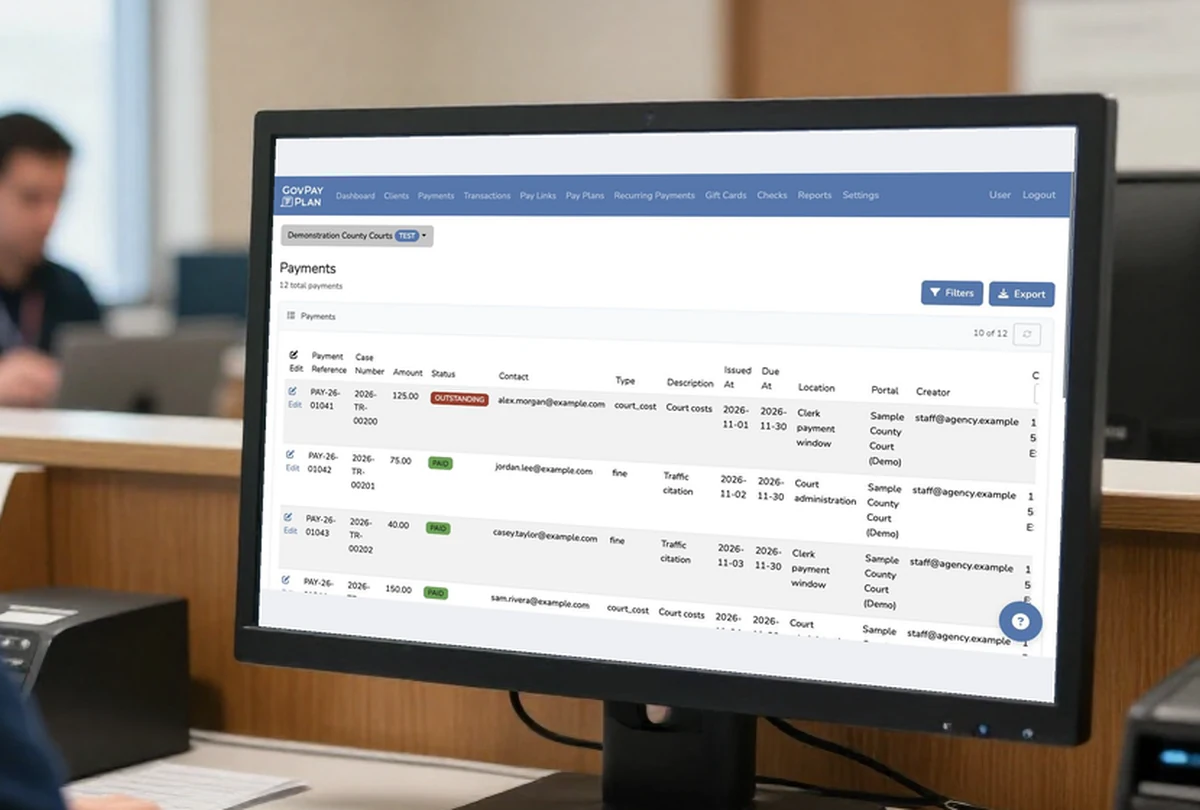
Clerk workstation at a payment window showing payment references, amounts, and statuses for Demonstration County Courts
Review payment records at the service counter.

Keep payment arrangements visible to staff

Review the schedule and remaining balance when a payer calls or visits. Installment plans, recurring charges, and partial payments stay linked to the original balance.

  • One-time, recurring, installment, and partial payment arrangements
  • Weekly, biweekly, monthly, and agency-defined schedules
  • Optional AutoPay with start and end dates
  • Reminders, confirmations, and past-due notices by text and email with direct payment links
  • Balance tracking visible to staff and to the payer
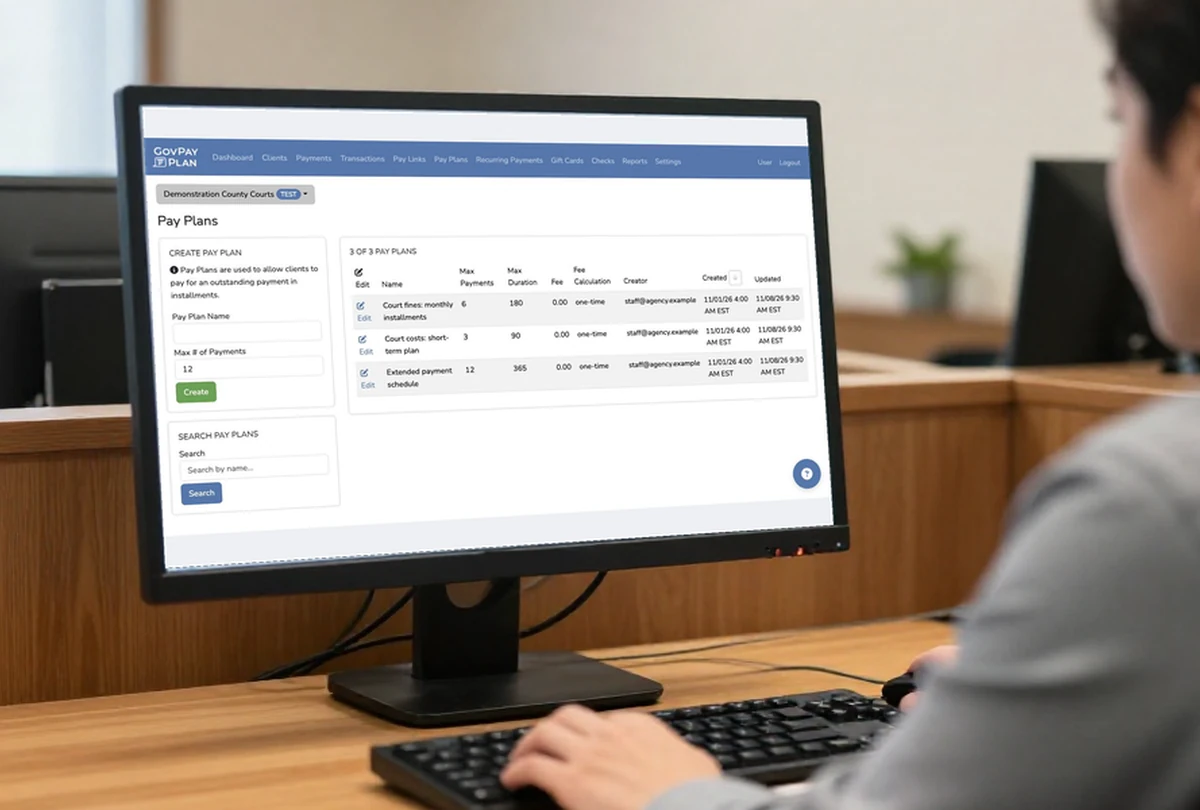
Court employee reviewing installment limits and durations at a Demonstration County Courts workstation
Set installment limits and plan durations.

Collect wherever your agency provides service

Equip staffed windows and field teams with configured payment terminals. Card data is encrypted inside the device and is not stored on agency systems.

  • Countertop terminal for staffed payment windows
  • Mobile wireless terminal for probation visits, court events, and satellite offices
  • Terminal charges that calculate the remaining balance automatically
  • Customer and merchant receipts for card, bank, cash, and terminal payments
  • Advance replacement on rentals and mobile subscriptions
Terminal options and pricing
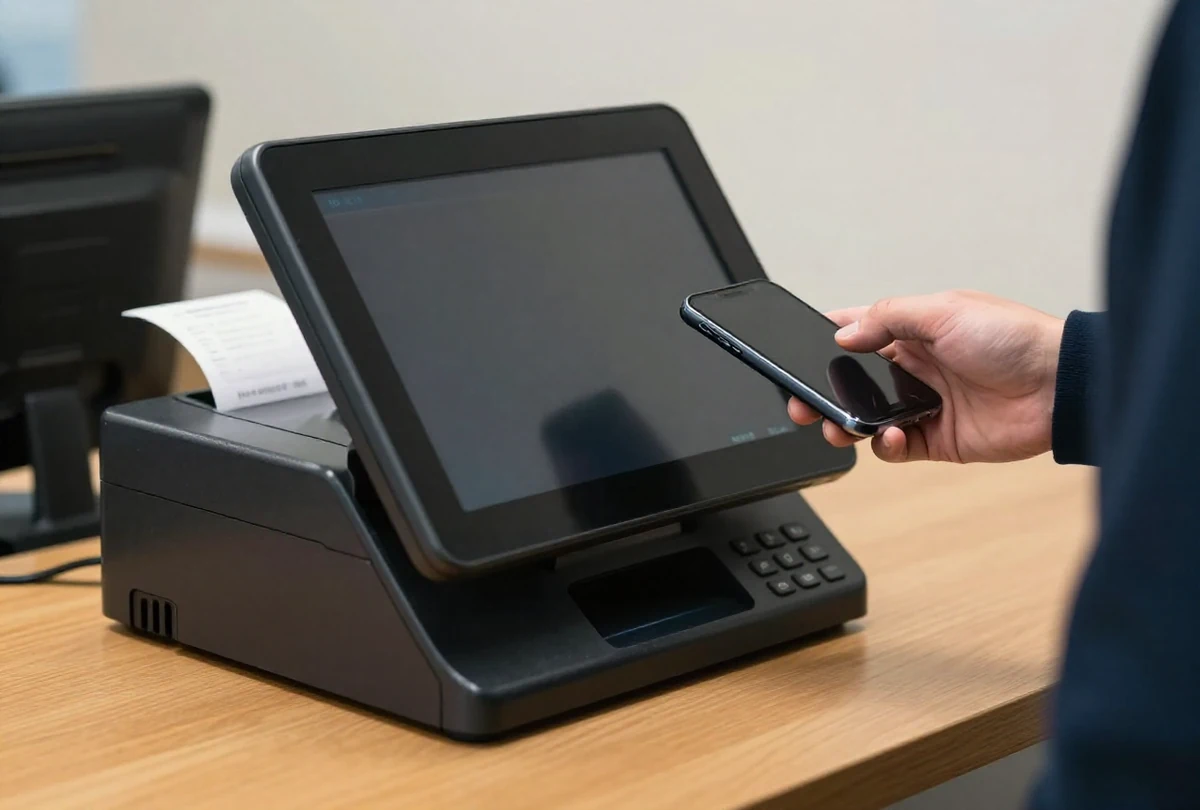
Contactless payment with a generic countertop terminal at an agency service window
Accept contactless payments at staffed service windows.

Answer an inquiry from the account record

Staff review a person or organization’s balance, payment history, arrangements, messages, and notes when answering a payment question.

  • Searchable person and organization profiles
  • Outstanding and paid balances with recent payment history
  • Linked payment plans and recurring charges
  • Text and email messages with direct payment links
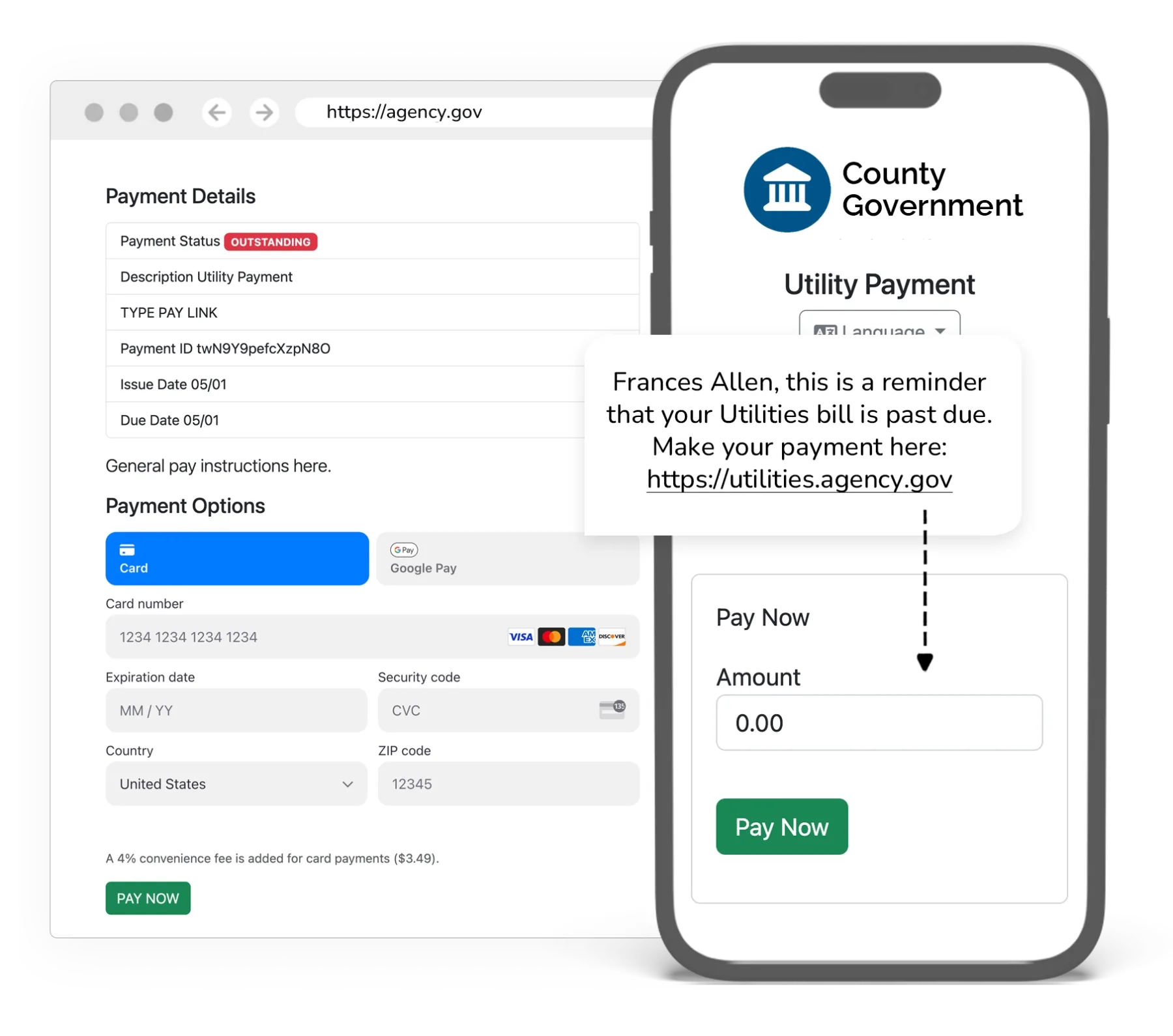
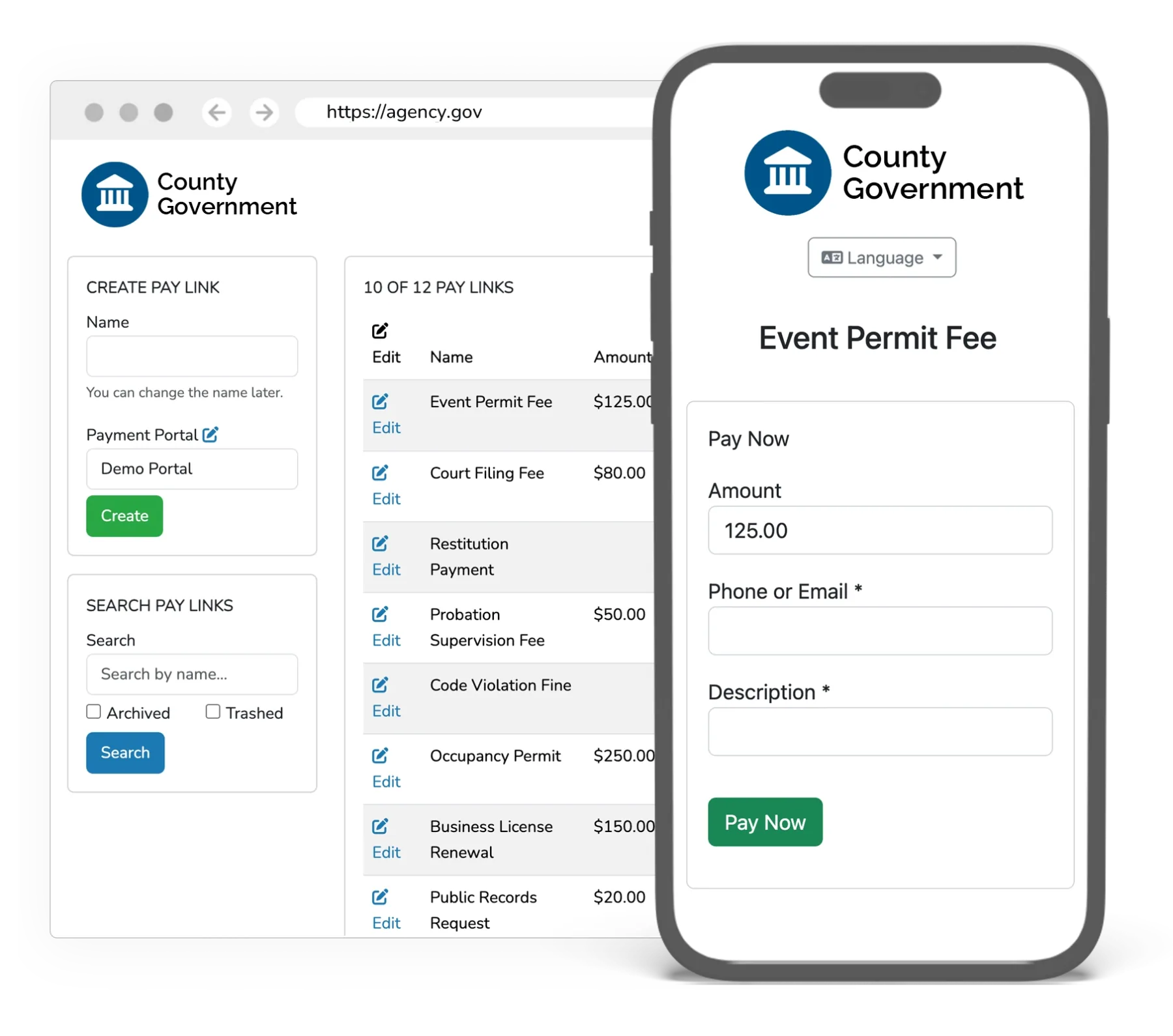
  • Shareable pay links and QR codes with configurable fields and amount limits
GovPayPlan pay link administration and the payment experience on a phone

Handle payment follow-up from the administration tools

Find the reference, check the status, or resend a receipt. Authorized staff also import balances, correct records, and process refunds.

  • Individual payment creation with references, dates, cases, citations, and notes
  • Guided CSV import with field mapping, validation, and preview
  • Transaction filters, status controls, voids, and refunds by authorized users
  • Customer and merchant receipt copies for printing
  • Eligible non-terminal transactions moved between outstanding payments for the same client; distributed transactions cannot move
  • Clear separation of test and live environments
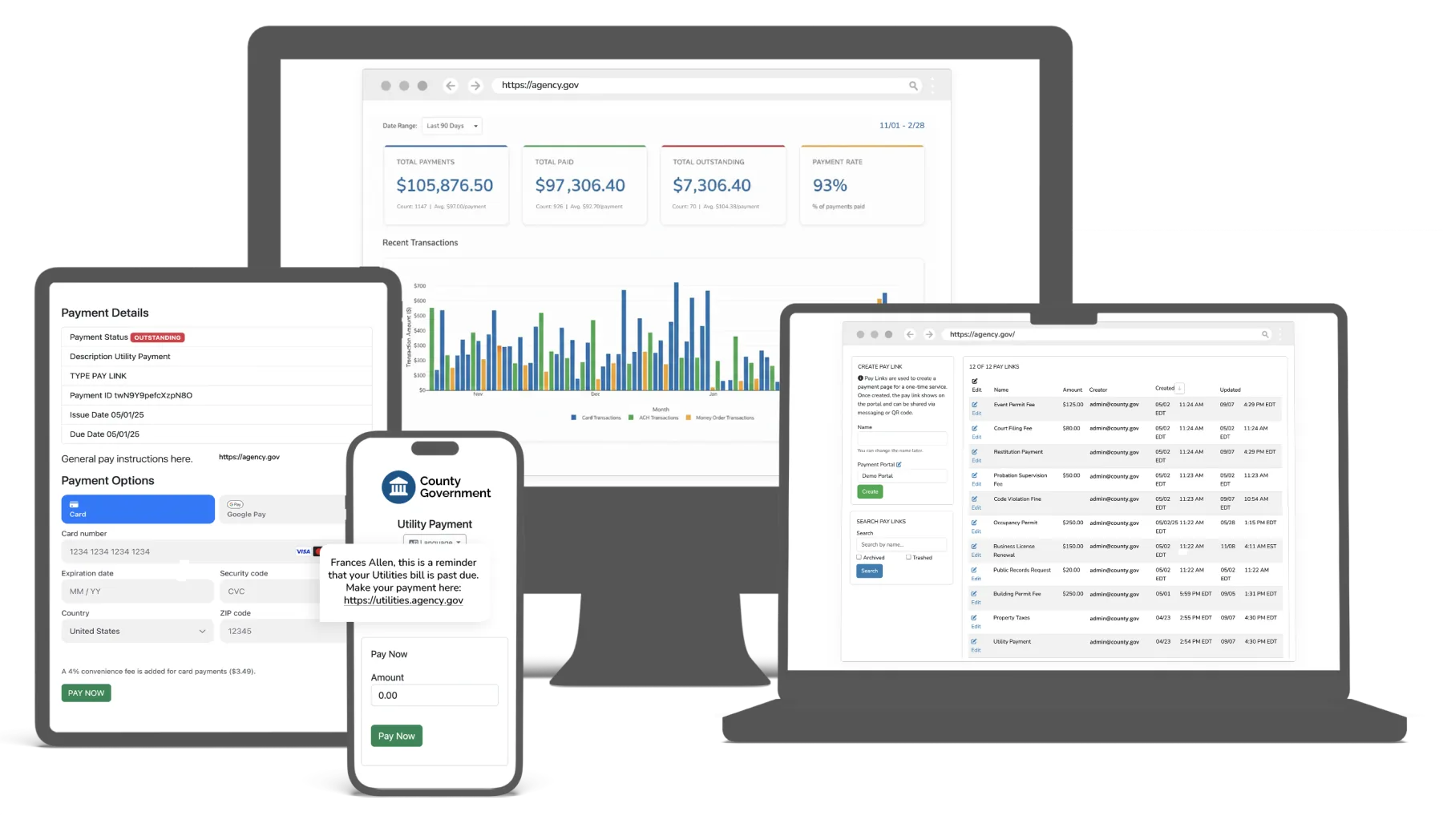
GovPayPlan operations dashboard across desktop, tablet, and mobile devices

Reconcile the deposit with its payment detail

Finance staff match the bank deposit to its settlement statement and inspect the underlying transactions. Export the records needed for general ledger posting and audit.

  • Settlement statements for every payout
  • Reports by department, payment method, and date
  • Exports for general ledger posting and audit
  • Saved report definitions and print-ready layouts
  • Timestamped activity and configuration history
Distributions and fund allocation
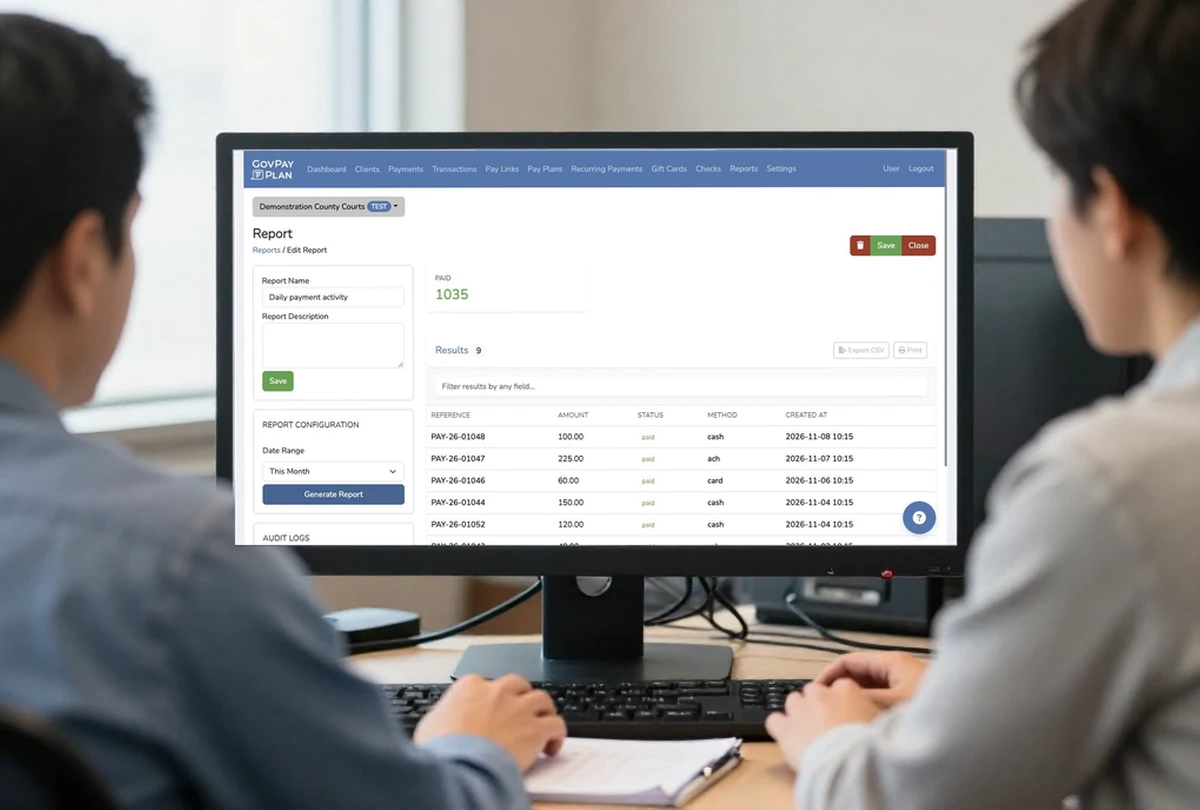
Finance colleagues reviewing payment activity at a workstation for Demonstration County Courts
Review payment activity with your finance team.

Give each office the access and account setup it needs

Configure staff permissions around their responsibilities. Offices that require separate portals, payout accounts, and reporting can operate as separate agency accounts.

  • Multiple agency accounts under one organization, each with its own portal, payout account, and reporting
  • Four roles: Administrator, Finance, Cashier, and Read-Only
  • Unlimited staff users
  • Multifactor authentication
  • Single sign-on on Enterprise plans
  • Portal branding, custom domains, payment types, instructions, and embed codes
  • Locations, terminals, and default configurations
GovPayPlan form builder and the resulting form on a mobile device

Equip staff for the work around collections

Agency teams also prepare checks, manage gift cards, and publish payment instructions at service locations.

Check creation and printing

Authorized staff draft checks, select a client or manual payee, issue and print, download a PDF, and record a void reason. Agency settings control numbering and bank details. Check clearing and mailing are outside this feature.

Review the capability

Gift card management

Staff create gift card records, choose a brand or allow recipient choice, and send redemption information by text or email. The record retains delivery history and internal notes.

Review the capability

QR-coded print materials

Staff prepare window decals, posters, and table tents linked to a portal or payment service. Download print-ready files or request shipped materials, with English, Spanish, or bilingual wording.

Review the capability

Integrations

Available with Enterprise plans. Existing balances, cases, and payer records can be imported by CSV on every plan.

eCourtDate Case Management

GovPayPlan is the supported payment processor for eCourtDate CMS. Payments post to the case ledger automatically, with each payment, refund, and adjustment tied to its case.

REST API and webhooks

A documented API for payments, accounts, and status, with webhooks for real-time payment notifications.

SFTP batch exchange

Import obligations and return payment records on a schedule through managed SFTP.

Case management systems

Pre-built integrations for common court and case management systems. Ask about your system by name.

Single sign-on

Staff sign-in through the agency identity provider, with GovPayPlan roles preserved.

Embeds and custom domains

Place the payment experience inside an agency website or publish it on an agency-controlled domain.
Integration details

Platform questions

All questions and answers

Review the collection and finance workflow

Walk through a payment scenario with the people who handle counter service, account follow-up, and reconciliation.